Chat to Your SQLite Database
Enable your AI agent to retrieve data from a SQLite database to answer your visitors’ questions.
The SQLite Database action allows your AI agent to query a SQLite database to retrieve information and answer visitor questions. This is useful for providing real-time data from your application database, inventory systems, or any data stored in SQLite format.
Adding the SQLite Database Action
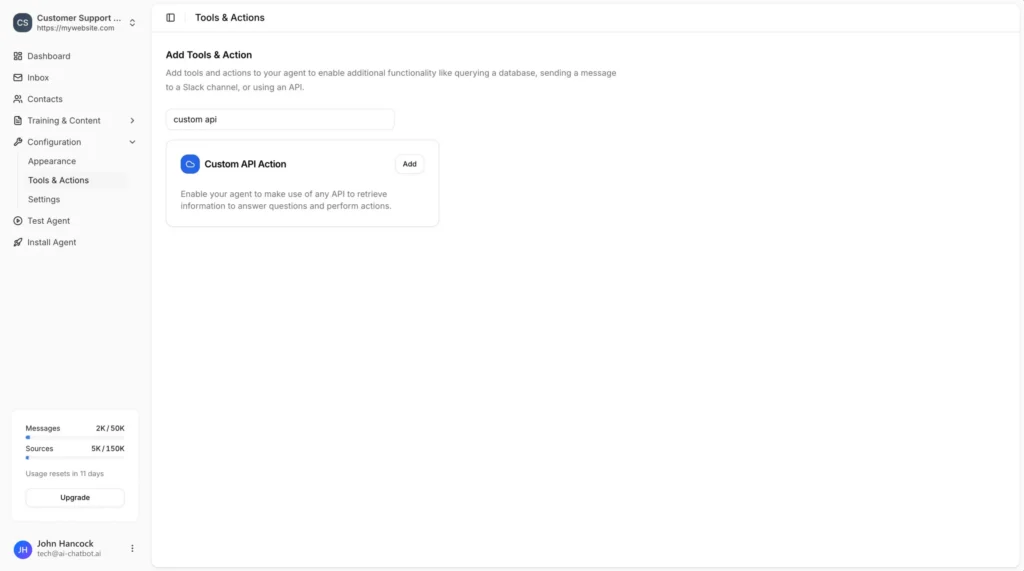
In your chatbot dashboard, go to Configuration → Tools & Actions.
Find the Sqlite Database card and click Add.
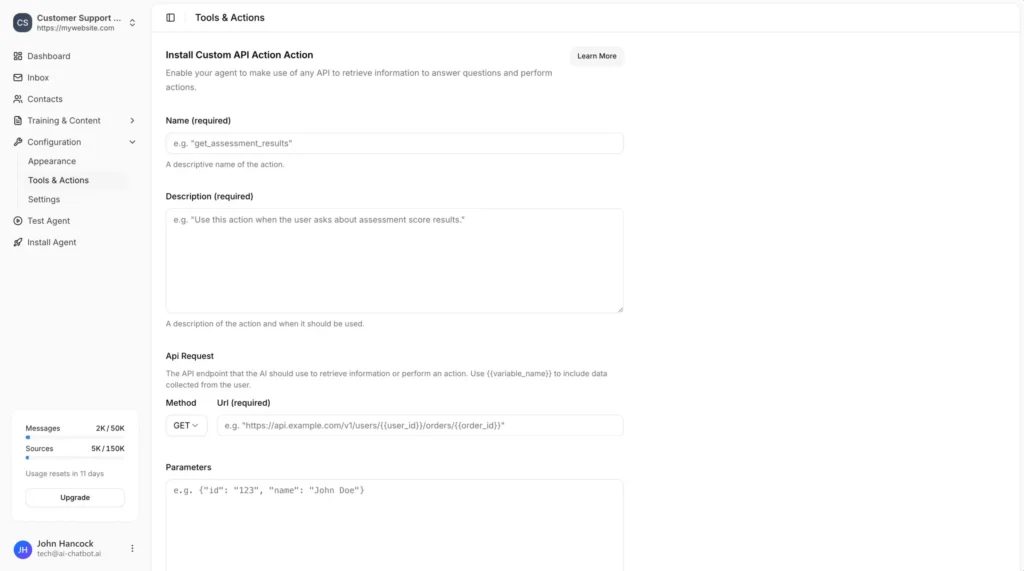
Name (required)
A descriptive name of the action.
Example: get_assessment_results
Description (required)
A description of the action and when it should be used.
Example: Use this action when the user asks about assessment score results.
Database (required)
Upload a SQLite database file (.db) to use.
Click Choose file and select your SQLite database file from your computer.
Save the Action
Click the Add Action button to add and enable the action for your chatbot.
Your chatbot can now use this action to “chat to your database” and retrieve information to answer your visitors’ questions.
Example Use Case
Using the Chinook DB (a sample music store database), your chatbot can answer questions like:
- “What albums do you have by Led Zeppelin?”
- “How many tracks are in the Rock genre?”
- “What are the top selling artists?”
The AI agent will automatically generate the appropriate SQL queries to retrieve the information from your database.
Join over 1000+ businesses, websites and startups automating their customer service and other tasks with a custom trained AI agent.