
Website Builders
How to add your custom trained AI chatbot to your Wix website.
Wix is a cloud-based website builder that allows anyone to create a professional website without any coding knowledge. It operates on a drag-and-drop system, meaning users can visually piece together their web pages using text, images, videos, and various pre-built elements.
Select your chatbot from the dropdown menu at the top, click on the Install Agent section in the sidebar, then click on the Copy Code button to copy your code snippet.

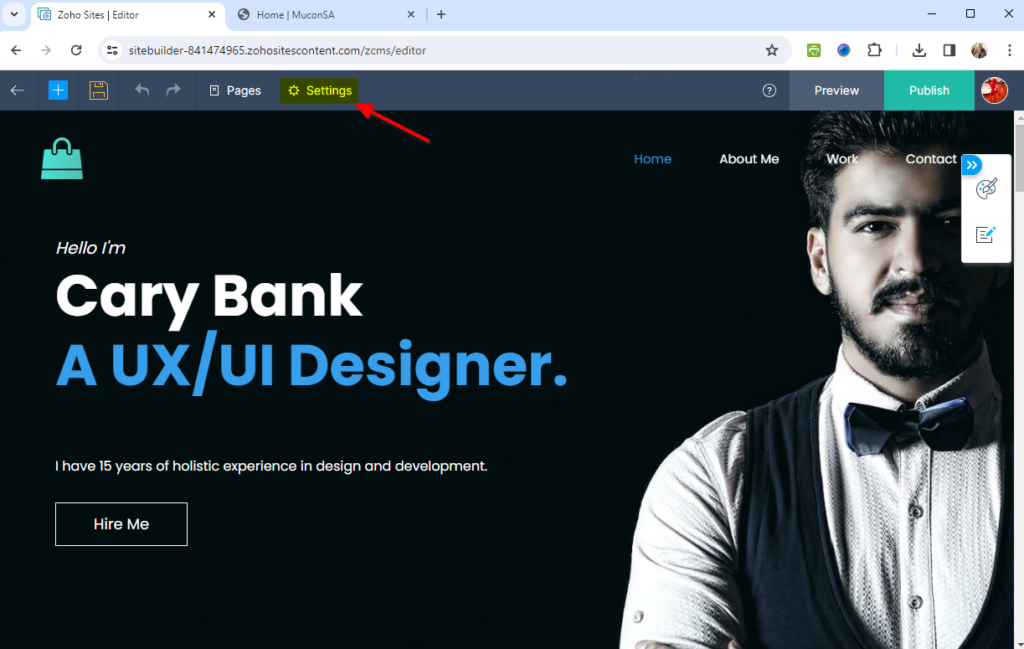
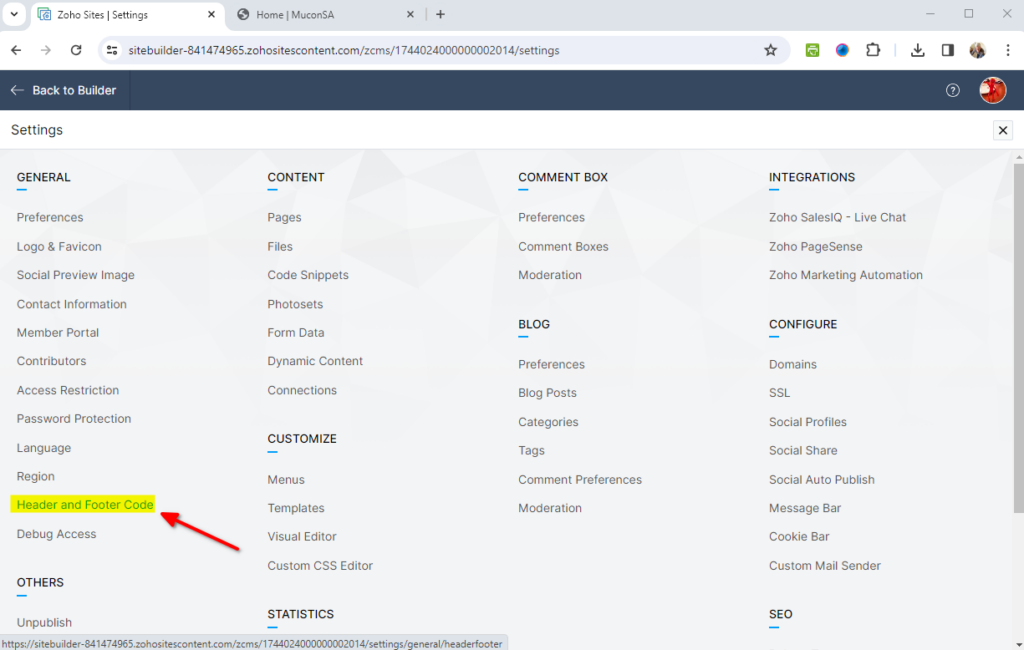
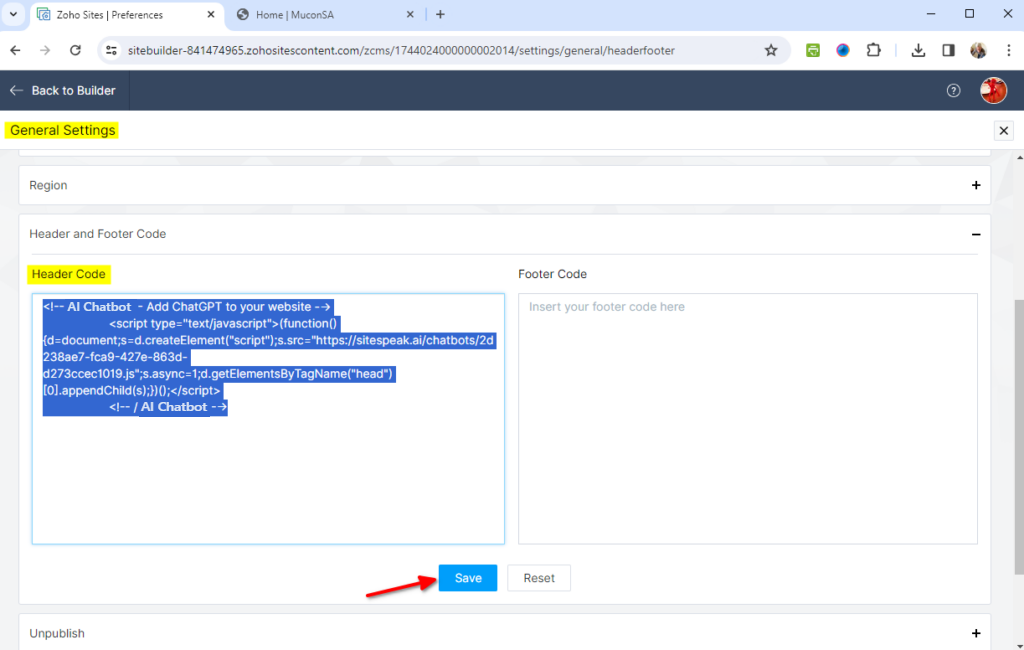
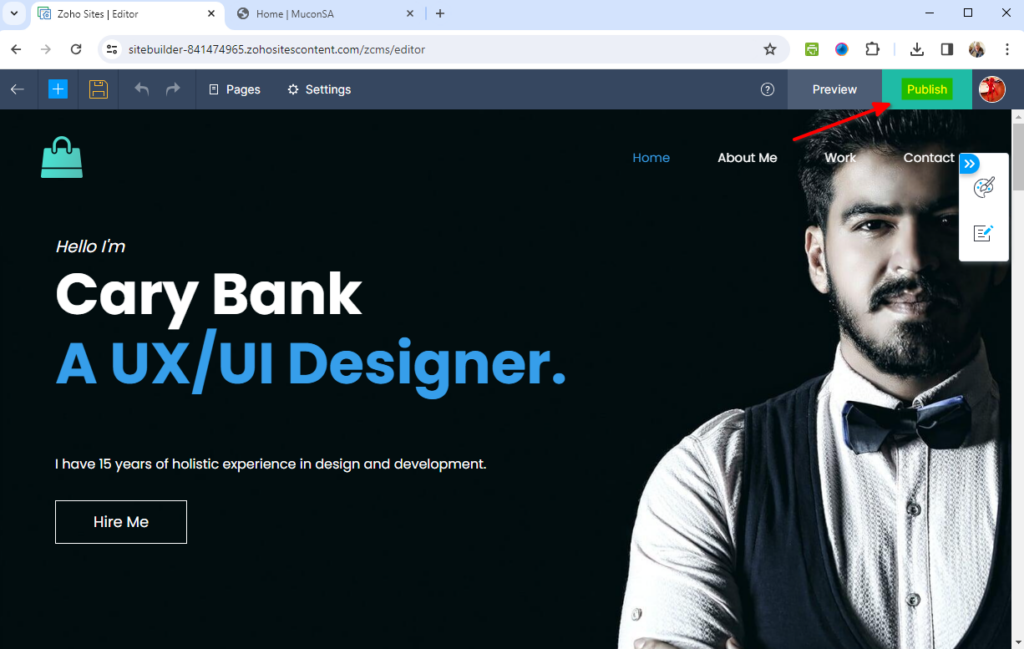
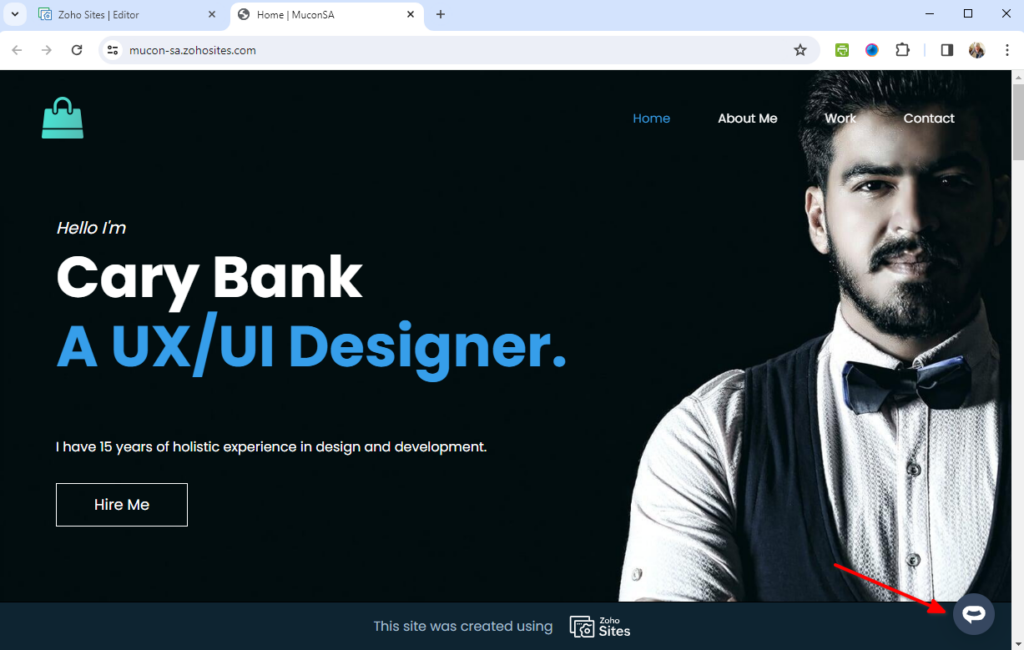
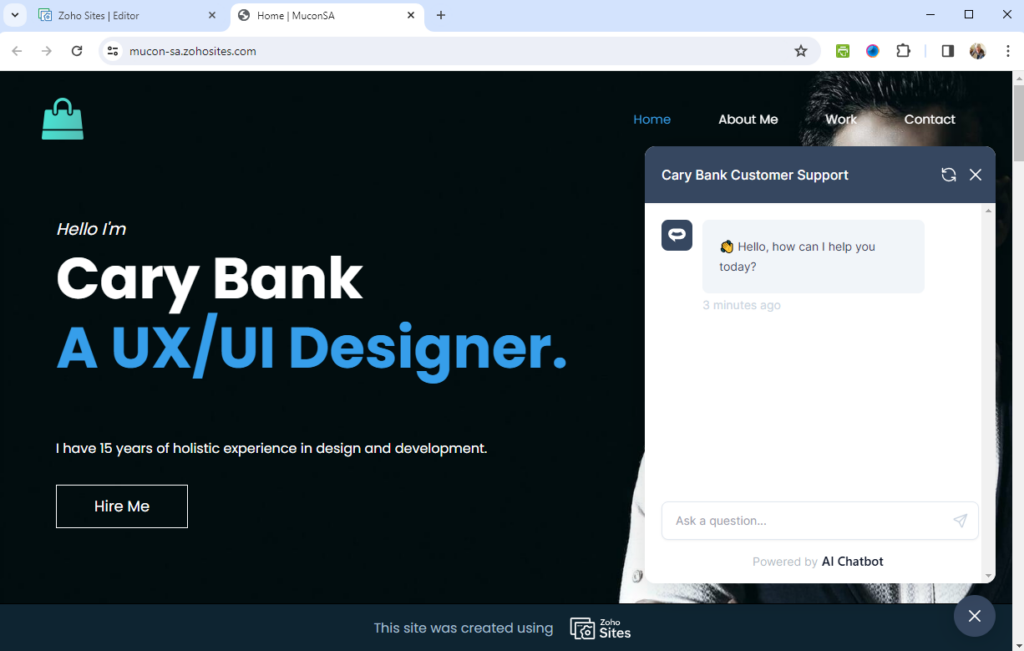
If you prefer to embed the AI support agent in a specific location on your page rather than as a floating widget:
This method is useful if you want the AI support agent to appear inline within your page content rather than as a floating button.
The AI Chatbot support agent widget is fully responsive and works on all devices. On mobile, the chat button automatically adjusts its position to avoid interfering with navigation elements. You can customize the mobile position offset in your AI Chatbot dashboard if needed.
AI support agent not appearing after publishing? Clear your browser cache and reload the page. Wix may cache your site for performance.
Custom Code option not available? Make sure you have a Wix Premium plan. Custom code features are not available on free Wix sites.
Chatbot appears in wrong position? Adjust the position and offset settings in your AI Chatbot appearance settings. You can position the widget in any corner and set custom margins.
Preview not showing the chatbot? This is expected behavior. Wix’s preview mode doesn’t load custom code. You must publish your site to see the chatbot.
Ready to automate your customer service with AI?
Join over 1000+ businesses, websites and startups automating their customer service and other tasks with a custom trained AI agent.