How to add an AI chatbot to Bubble
You want to embed your custom trained AI support agent in your Bubble website page. Here’s how to add an AI support agent to Bubble with AI Chatbot.
Bubble is a no-code website builder. That means you can create professional-looking websites, web apps, and even complex online tools without writing any code. Instead of coding, you use a visual drag-and-drop interface to build your site by connecting “elements” like text boxes, images, buttons, and databases. It’s like building with LEGOs for the web.
Website URL: Bubble
Add your AI support agent to your Bubble website
In AI Chatbot
Select your chatbot from the dropdown menu at the top, click on the Install Agent section in the sidebar, then click on the Copy Code button to copy your code snippet.
In Bubble
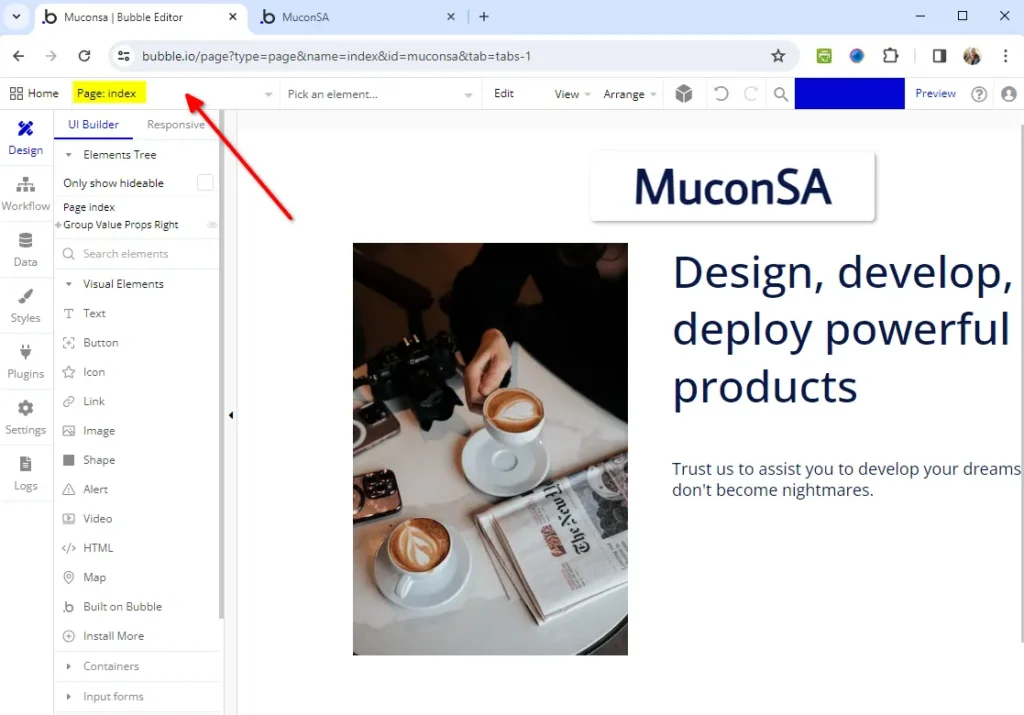
- Log into your Bubble account and select the page where you want to add your AI support agent to
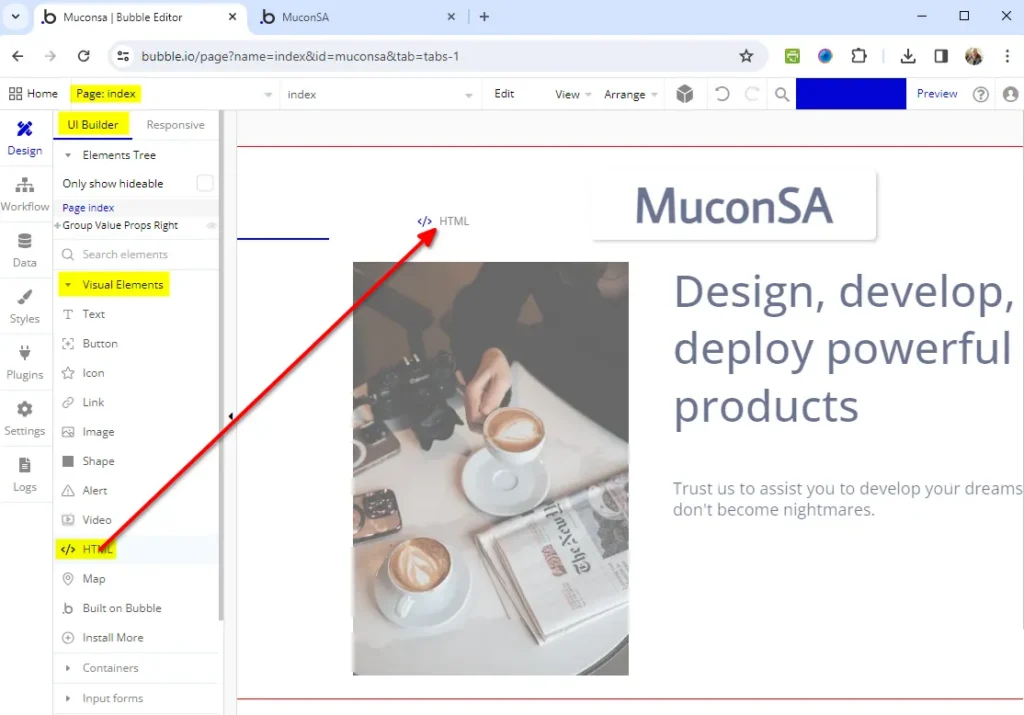
- Select the </> HTML element on the UI Builder menu tab under Visual Elements and drag the element to your page
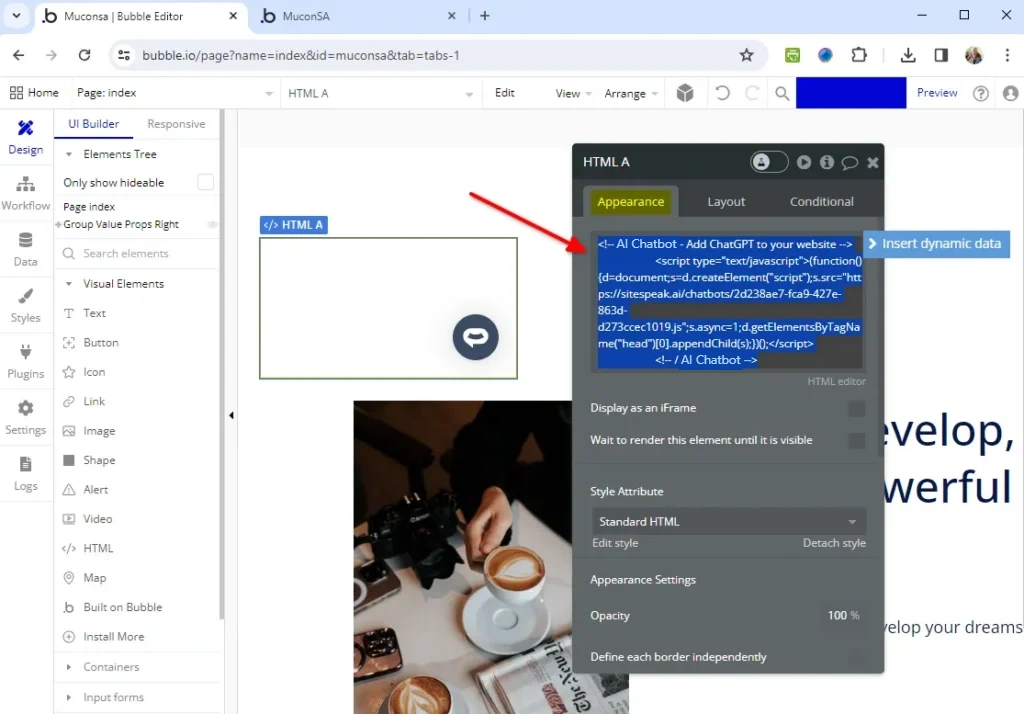
- Insert the AI support agent snippet under HTML appearance
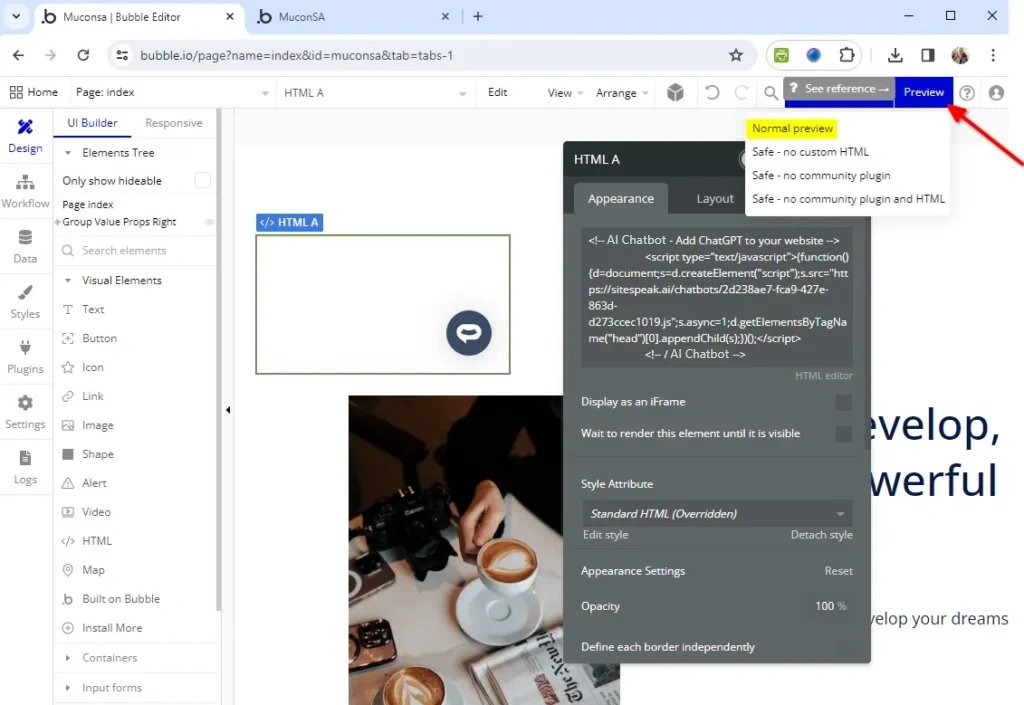
- Click on Preview to view your AI support agent on your page
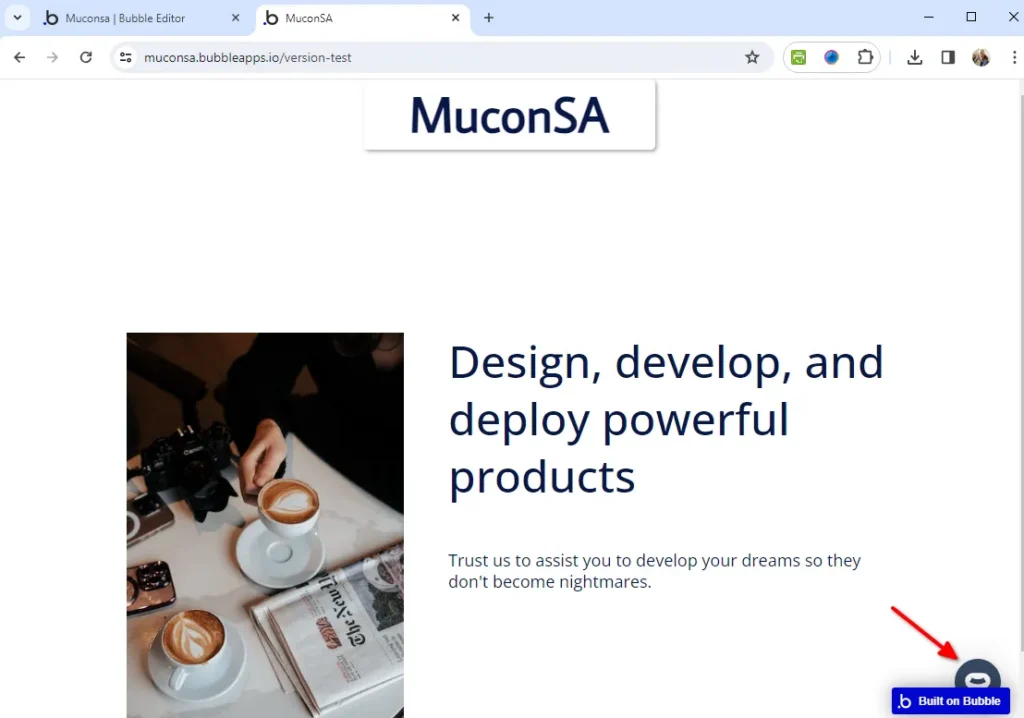
- Your AI support agent button will now be displayed on your Bubble website page
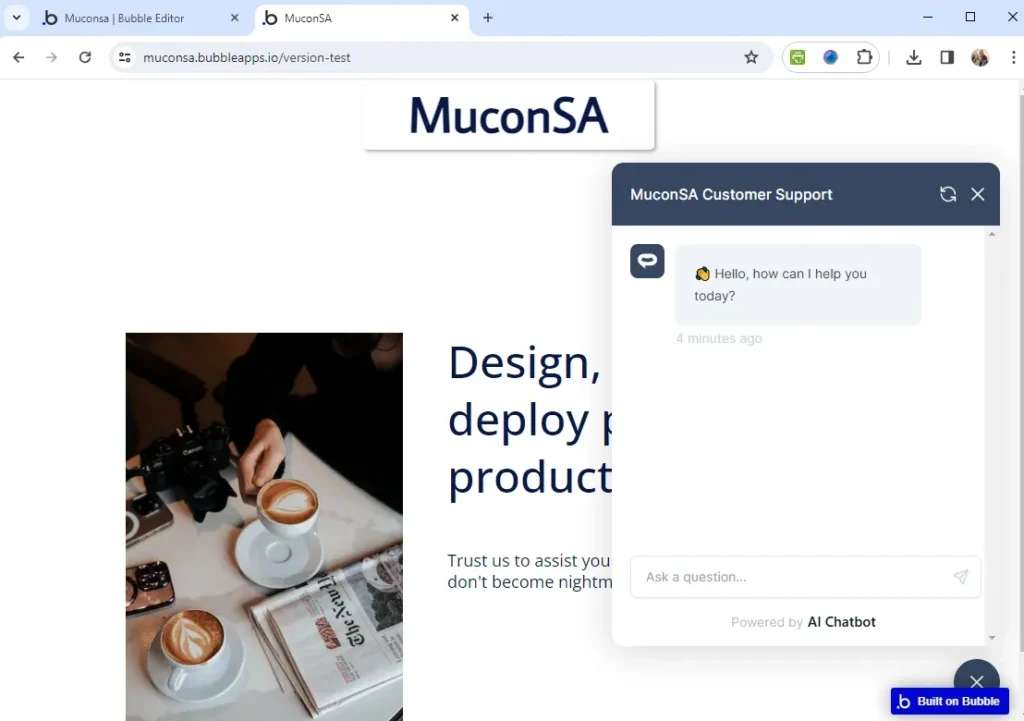
- If you click on the button it will display the AI support agent dialogue
Your AI support agent has now been added to your Bubble website and your visitors/customers can start interacting with it!
Join over 1000+ businesses, websites and startups automating their customer service and other tasks with a custom trained AI agent.