Choose an available topic from the sidebar. More documentation is coming soon.
Tools & Actions
Tools & Actions
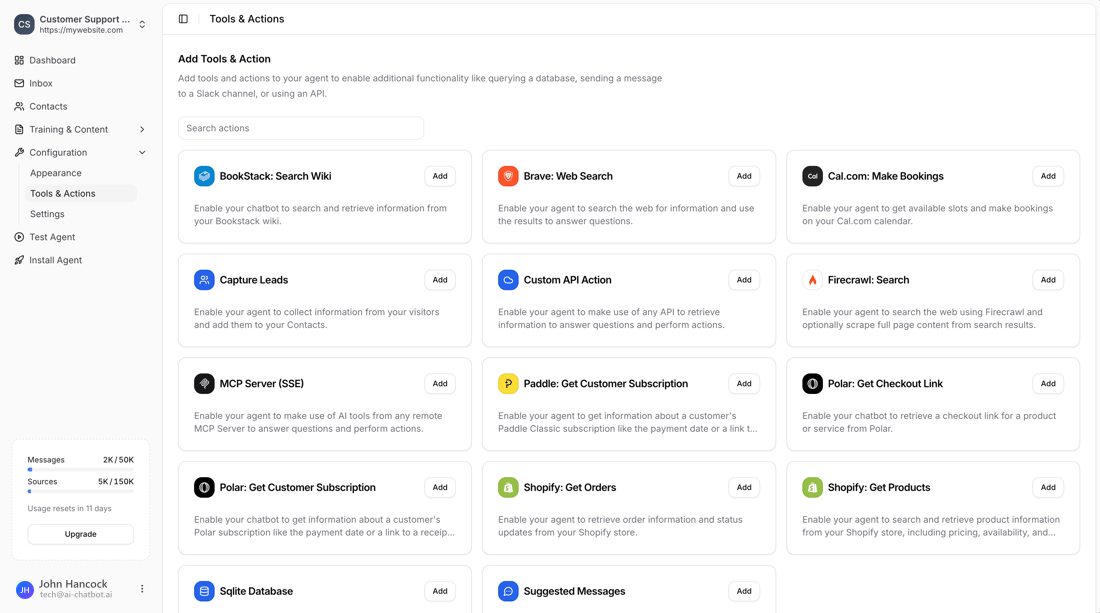
Add tools and actions to your AI agent to enable additional functionality like querying a database, making API calls, or integrating with third-party services.
Tools & Actions extend your chatbot’s capabilities beyond answering questions from trained content. They allow your AI agent to retrieve real-time information, perform actions, and integrate with external services.
Accessing Tools & Actions
Go to Configuration → Tools & Actions in your chatbot dashboard to view and add available tools.