TL;DR
HubSpot Chat is free as part of the CRM, but the AI chatbot features require Marketing Hub Starter ($20/month) or Service Hub Professional ($90/seat/month) and even then only answer from HubSpot-hosted content. AI Chatbot is $29/month flat, trains on any source (website, docs, PDFs, CSVs, APIs), and integrates with HubSpot via webhooks or Zapier.
We compared the top Hubspot alternatives on price, live chat, human handoff, and AI model choice. Here is how they stack up.
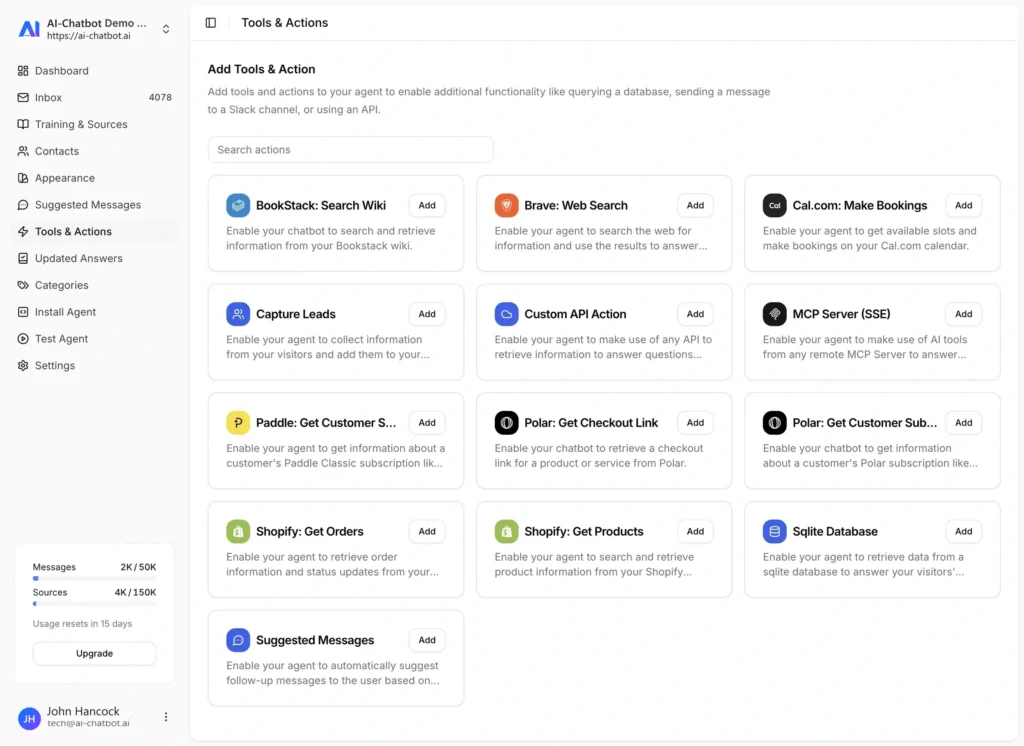
Free plan, built-in live chat and human handoff, model choice across OpenAI, Anthropic, Google, and xAI, plus free sentiment analysis and the ability to connect your own API or database. From $29/mo.
HubSpot's chat is tied tightly to its CRM, which is both its strength and its limitation for teams that want AI-first support.
Compare features and see why AI Chatbot is the better choice
| Features | AI Chatbot | Hubspot |
|---|---|---|
| Free Plan | ✓ Yes | ✓ Yes (Limited) |
| Pricing | From $29/month | From $20/month |
| AI Models | OpenAI, Anthropic, Google, xAI | OpenAI |
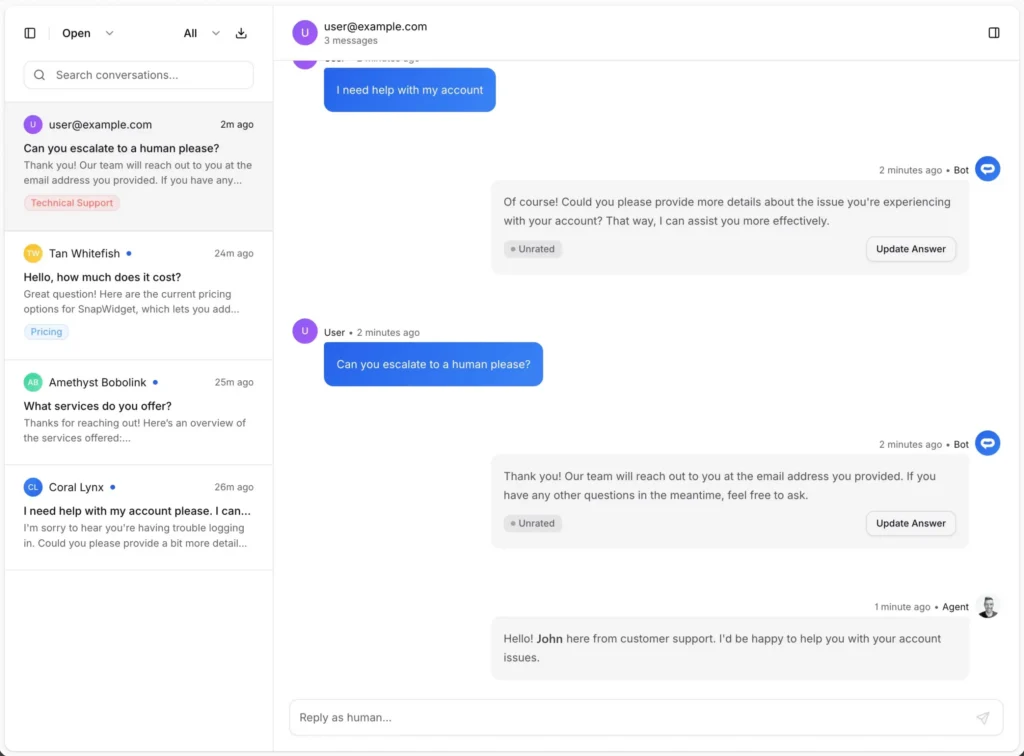
| Chat Inbox | ✓ Yes, detailed | ✓ Yes |
| Live Chat | ✓ Yes | ✓ Yes |
| Escalate to Human | ✓ Yes | ✓ Yes |
| Analytics | ✓ Yes, detailed (Free) | ✓ Yes (From $45/month) |
| Chat Insights | ✓ Yes | Limited |
| Sentiment Analysis | ✓ Yes (Free) | ✖ No |
| API Access | ✓ Yes | ✓ Yes |
| Attach Files to Messages | ✓ Yes | ✖ No |
| Auto Sync Training Sources | ✓ Yes | ✖ No |
| Speech Recognition & TTS | ✓ Yes | ✖ No |
| Team Collaboration | ✓ Yes (From $79/month) | ✓ Yes (From $45/month) |
| Page Context Awareness | ✓ Yes | ✖ No |
| Priority Support | ✓ Yes (From $79/month) | ✓ Yes (From $45/month) |
A simple step-by-step guide to migrate without losing conversations.

Online Marketing Manager
The platform is very intuitive to set up and use. I was able to train the chatbot directly from our site maps with ease. After creating a test page and sharing it with leadership, customer service, sales, and marketing, the reaction was unanimous, everyone was impressed!

Marketing Specialist
I think AI Chatbot is a super easy and extremely powerful tool to start installing into your website.

Co-Founder
I stumbled across AI Chatbot AI while having a chat with my ChatGPT. I am absolutely gobsmacked at how good it is and how easy it has been to setup. Any concerns I had have disappeared and this certainly is the way forward. I will be using AI Chatbot AI on all my websites now.
Everything you need to know about AI Chatbot. Can’t find what you’re looking for? Start a free trial and see it in action.
AI Chatbot starts at $29/month flat. HubSpot’s free chat is fine for basic use but the AI chatbot features are gated behind Marketing Hub Starter ($20/month) or Service Hub Professional ($90/seat/month). For a team of 5 looking at Service Hub Professional, that is $450/month versus $79/month for AI Chatbot Pro.
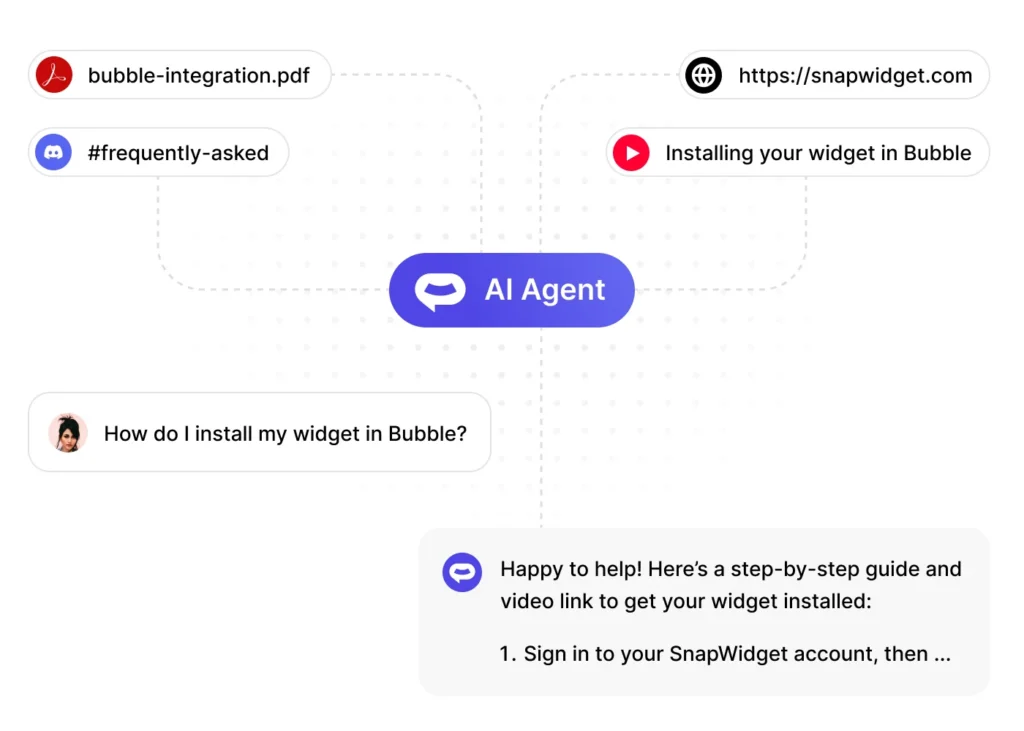
Yes. Paste your public HubSpot knowledge base URL into AI Chatbot and the crawler will index every article automatically. You can also add your live website, PDFs, CSVs, YouTube content, or connected APIs as additional training sources.
HubSpot’s free chat widget is a strong entry offering, but the AI features that matter for real customer support live in paid Hubs. Marketing Hub Starter is $20/month; Service Hub Professional is $90 per seat per month. For a team of five, that is $450/month just for AI chat, plus whatever other HubSpot Hubs you already use.
AI Chatbot is $29/month flat with AI included on every paid plan. Pro at $79/month covers team collaboration and priority support. You keep HubSpot’s free CRM if you love it, and move the chat experience to a product that is AI-first rather than CRM-first.
HubSpot’s chat is tightly integrated with the HubSpot CRM: chat transcripts attach to contact records, chat-captured leads become contacts automatically, and workflows can trigger off chat events. If those workflows are load-bearing, you lose native attachment by switching.
You can replicate most of that with webhooks or Zapier. When AI Chatbot captures a lead, a webhook pushes the contact into HubSpot. Chat transcripts can be stored in HubSpot contact properties. The setup takes an hour and replaces the tight native integration with a loose one that still works.
The bigger gain is training source flexibility. HubSpot’s chatbot trains on HubSpot-hosted knowledge base articles. If your real product docs live in a different CMS (Notion, Mintlify, ReadMe, or your own site), you either duplicate the content into HubSpot or accept that the chatbot will not see it.
AI Chatbot trains on your actual content wherever it lives: live website URL, PDFs, CSVs, YouTube transcripts, APIs, and SQL databases. Auto-sync keeps sources current on a schedule. The chatbot actually knows your product without you maintaining a parallel HubSpot knowledge base.